Find Out How

Outputs
|
Outputs specify what is it to be shown in the Result Viewer for a given browser action. Typical outputs include captureScreenshot, outputElementText, and outputInnerHTML. A single browser action can have an unlimited number of outputs. |
|
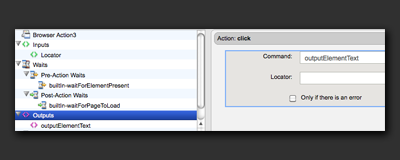
Command and ParametersOutputs consist of the selected command and any parameters that apply to the selected command. In this example, Locator is the only parameter of the selected command, outputElementText. As you choose different options in the command drop-down, different parameters appear underneath it. |
 |
|
Following are some examples of typical output commands and the resulting display in the Results Viewer for that browser action. |
|
|
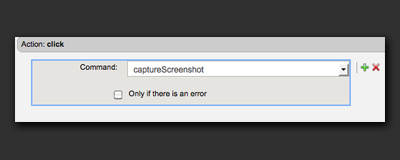
captureScreenshot definition in the Editor. |
 |
|
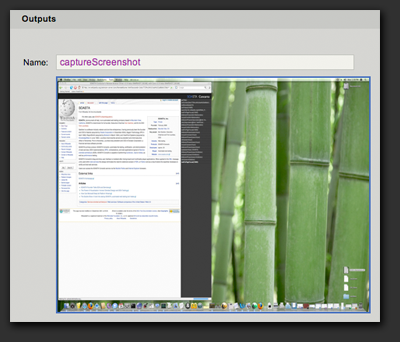
Results Viewer display for captureScreenshot. |
 |
|
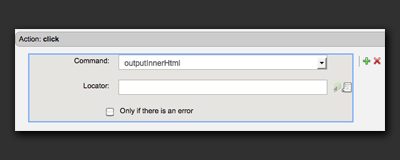
outputInnerHtml definition in the Editor. |
 |
|
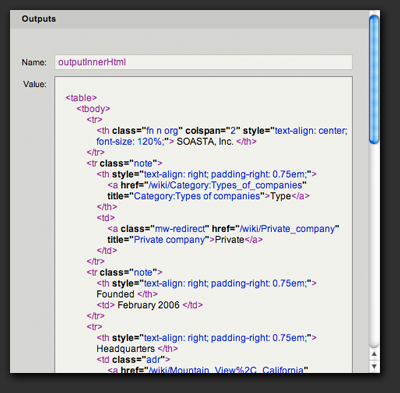
Results Viewer display for outputInnerHTML. |
 |
|
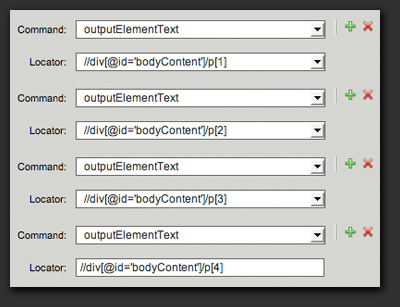
For this action, we have added 4 outputs to show the text of 4 different paragraphs in the Wikipedia article for SOASTA. |
 |
|
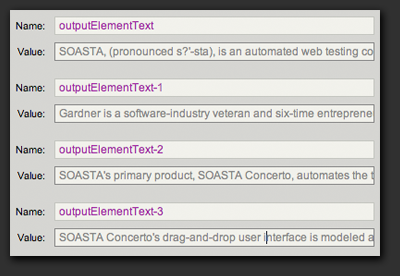
Results Viewer display for the above 4 outputElementText commands. Writing outputs to the result can be useful for historical informational purposes as well as debugging. |
 |